

AI kitchen assistant technology is rapidly reshaping how households and chefs plan meals, control appliances, and simplify daily cooking routines. If you want to maximize the convenience and intelligence of your kitchen, understanding how these smart systems work—and their real-world limitations—is vital.
Key Takeaways
- AI kitchen assistants leverage smart home platforms, IoT connectivity, and voice control to save time and energy in the kitchen.
- Integration is seamless for popular appliances, but users may face compatibility, learning curve, and reliability issues.
- Not all smart kitchen ecosystems are equal—read on for an actionable step-by-step setup guide, advanced analysis, and overlooked pitfalls.
- What Is an AI Kitchen Assistant and Why Use One?
- How to Set Up and Use an AI Kitchen Assistant: Step-by-Step
- Advanced Analysis & Common Pitfalls in Smart Kitchens
- Conclusion
- Frequently Asked Questions
What Is an AI Kitchen Assistant and Why Use One?
An AI kitchen assistant is a blend of connected apps, AI-powered appliances, and smart home integration. These systems automate recipes, meal planning, device control, and inventory management so kitchens run more efficiently with less manual effort.

Demand for AI kitchen assistants is booming. The global AI kitchen market is projected to expand by USD 48.35 billion between 2024 and 2029, at a 21.7% CAGR (Technavio analysis). North America leads adoption—34% of global growth—while European users emphasize sustainability with 15% energy reduction via AI appliances (Research and Markets).
So, what does this mean for your actual kitchen? A modern AI kitchen assistant might coordinate smart fridges, voice-activated ovens, induction ranges, scanners, and inventory apps—all managed by AI and integrated into platforms like Alexa, Google Home, or Apple HomeKit.
From AI cooking assistant induction ranges that guide you step-by-step, to smart fridge barcode scanners that automate grocery lists, the best AI kitchen solutions save time and help minimize waste.
But before you convert your kitchen into a “Jetsons” control room, it’s crucial to know both the upsides and what can go wrong.
How to Set Up and Use an AI Kitchen Assistant: Step-by-Step
Setting up an effective AI kitchen assistant ecosystem involves more than plugging in gadgets. Here’s an actionable guide covering compatibility, personalization, and smart workflows.
-
Assess your current smart home environment.
- Check if you use Alexa, Google Home, or Apple HomeKit. AI kitchen devices almost always require integration with one of these for full voice or app control.
- Look at your home’s Wi-Fi reliability. Smart appliances need strong, stable connectivity.
-
Choose AI-enabled kitchen appliances.
- Top brands—Samsung, LG, KitchenAid—offer smart fridges, induction ranges, ovens, dishwashers, and even AI-powered coffee machines.
- For example, the Hisense AI induction range uses embedded AI (ConnectLife) for recipe coaching and meal planning. Consider appliance compatibility with your main platform.
-
Install and link official apps.
- Register your appliances in the brand’s app (e.g., SmartHQ, SmartThings, Home Connect). Link the app to your smart home hub for seamless voice and remote control.
- Enable notifications and voice command features to unlock hands-free operation.
-
Personalize AI features.
- Train recipe and meal planning assistants with your dietary preferences, family size, shopping habits, and common ingredients.
- Some apps offer AI-driven recipes and real-time grocery tracking. Sync with barcode scanning fridges for even more automation.
-
Coordinate your cooking workflow.
- Use voice or touch commands to power devices on or off, preheat ovens, or adjust cook times/temperatures using AI suggestions.
- Set up kitchen activity routines—e.g., “Good Morning” activates coffee, lights, and oven preheat—using your home automation hub.
-
Connect inventory and expiration tracking.
- Smart fridge apps can track inventory, expiration dates, and even suggest recipes based on what’s left in your fridge.
- Review AI-generated grocery or shopping lists regularly; adjust for food waste reduction tips or dietary shifts.
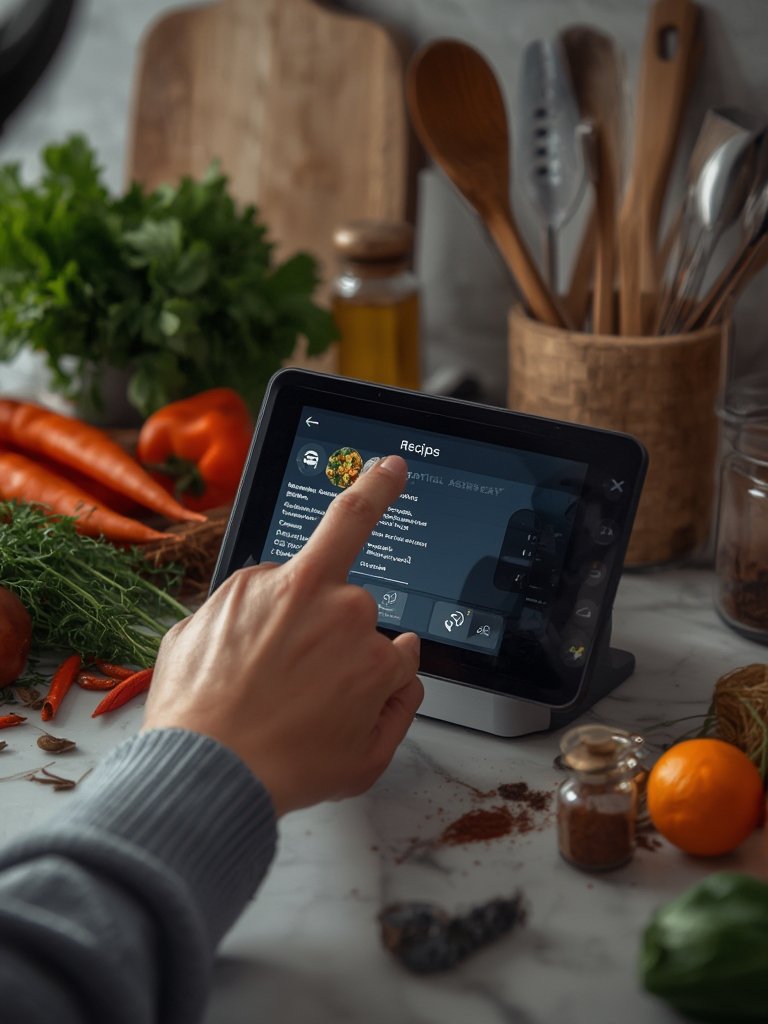
Want to go further? Add specialized devices such as the AI barista coffee machine for automated morning routines, or stackable air fryers for flexible, hands-off meal prep.
Remember, leading-edge platforms use:
- IoT connectivity for remote monitoring and control
- Voice assistants (Alexa, Siri, Google) for hands-free tasks
- AI/ML software for recipe, grocery, and energy personalization
- Cloud-based integration for seamless multi-device coordination
Source: Research and Markets
Advanced Analysis & Common Pitfalls in Smart Kitchens
While AI kitchen assistants look impressive on paper, the reality can bite. Here’s where many users stumble, plus realistic limitations to consider before you invest.
| Potential Pitfall | Why It Happens | Suggested Workaround |
|---|---|---|
| Device Incompatibility | Some appliances or apps don’t play nice with all smart home systems. | Prioritize “Works with Alexa/Google/Apple” logos. Consider a single-brand ecosystem if unsure. |
| Connectivity Dropouts | Wi-Fi interruptions or overloaded routers freeze automations and voice commands. | Upgrade your router, use a dedicated IoT network, or install Wi-Fi range extenders. |
| Lack of Real Customization | Some AI meal planners offer limited dietary or allergy settings; others lack robust recipe databases. | Look for apps/platforms with personalization powered by AI and regular database updates. |
| Subscription/Hidden Costs | Premium features—such as smart recipe guidance or grocery auto-ordering—may require monthly fees. Appliance repairs can also be expensive. | Carefully review app pricing policies. Factor in service plans and potential ongoing costs in your budget. |
| Learning Curve & User Frustration | Initial setup, account linking, and unique commands can overwhelm new users. Touchscreens may not always be intuitive. | Start with one or two devices. Study manufacturer’s quick-start videos and customer support resources. |
| Lack of Real-Time Support | Live troubleshooting or knowledgeable real-world support is still rare compared to mainstream tech. | Choose brands with robust phone/chat support or active user forums. |
These common pitfalls mirror insights seen in major market studies and user forums, even if direct user complaint statistics are scarce.
Another real limitation? There is currently no public data on actual long-term savings, ROI, or dramatic family success stories. Most research stays high-level, looking at adoption rates and energy efficiency gains (Technavio, Research and Markets).
If you crave hands-on reviews, check out our Hisense AI induction range review and
AI kitchen assistant technology is moving from futuristic buzzword to everyday reality. When integrated carefully—with a focus on platform compatibility, cloud connectivity, and energy savings—these assistants can boost convenience, reduce food waste, and add a real assist to your daily meals.
However, users must wade through hidden fees, steeper learning curves, and device limitations that don’t always match marketing promises. Take the time to research brand compatibility, read hands-on device reviews, and start with core appliances before expanding to a full connected ecosystem.
Ready to smarten up your kitchen with an AI kitchen assistant? Begin by mapping your environment, syncing devices to your preferred smart home platform, and future-proofing your workflows—don’t hesitate to explore guides for specific products or platforms.
Have smart cooking dreams or pain points? Check out our reviews and strategy guides—or ask questions in the FAQ below to get started.
For most modern households, yes—especially if you cook frequently and want more automation. However, the value depends on compatibility with your other devices and your willingness to learn new apps or routines. Review ongoing fees and pay attention to real energy/food waste savings before investing. No. You can start with one or two devices—like a smart fridge or induction range—before building out your ecosystem. Many AI functions (recipe guidance, inventory tracking) work well even with partial smart kitchen setups. Most modern AI kitchen assistants work with Alexa, Google Home, or Apple HomeKit—but not all devices support every system. Always verify compatibility before buying, and consider staying within a single appliance brand or platform for easiest integration. Some premium features—such as advanced meal planning or grocery delivery integrations—do require monthly subscription fees. Review all app store details, and factor in potential repair or service plan costs for your appliances. Based on recent research, top pain points include tricky initial setup, app/device compatibility issues, and spotty network connections. Touchscreen controls and interface learning curves can also frustrate new users. Read specific product reviews for more insights.
Conclusion
Frequently Asked Questions
Is an AI kitchen assistant worth the investment in 2024?
Do I need all smart appliances to benefit from an AI kitchen assistant?
Can AI kitchen assistants integrate with any smart home hub?
Are there ongoing costs or subscriptions for AI kitchen assistant apps?
What’s the biggest user complaint with AI kitchen assistants?
[…] your kitchen routine, read our latest guides on everything from compact microwave air fryers to the latest AI kitchen assistants. Bring the heat—hot honey […]
[…] starting point. For more ways to modernize your cooking and ingredient management, check out how AI kitchen assistants and connected appliances optimize meal prep. Ready to try your own high-protein bowls and desserts? […]