

Hisense AI induction range is rapidly gaining attention among smart appliance buyers seeking high-tech kitchen solutions and energy-efficient cooking. If you want to know whether this AI-powered range truly delivers smarter meals or is mainly hype, this guide gives you the facts, what’s missing in the documentation, and practical steps to maximize your investment.
Key Takeaways
- The Hisense AI induction range is positioned as a competitively priced smart appliance with an AI cooking agent, but independent reviews and model-specific specs remain scarce as of early 2025.
- Potential pitfalls include complex onboarding, reliability issues seen in smart ranges industry-wide, and a lack of details about data handling.
- For buyers wanting practical automation on a budget, the range is promising—but approach with clear expectations on real-world “AI” performance.
- The Core Concept: What Makes the Hisense AI Induction Range Different?
- Step-by-Step Guide: Getting the Most from Your Hisense AI Induction Range
- Advanced Analysis & Common Pitfalls
- Conclusion
- FAQ Section
The Core Concept: What Makes the Hisense AI Induction Range Different?
The Hisense AI induction range is a modern slide-in appliance designed to guide cooking with an integrated “AI cooking agent” through the ConnectLife ecosystem. Unlike standard induction ranges, this model aims to provide voice or touch-query cooking help, automated adjustments, and possible cross-appliance coordination, such as recipe suggestions tied to your refrigerator’s inventory. Hisense positions the product at a lower price point than flagship competitors but emphasizes that its value comes from a voice-driven “vertical appliance agent”—not just a touchscreen with mechanical automation.
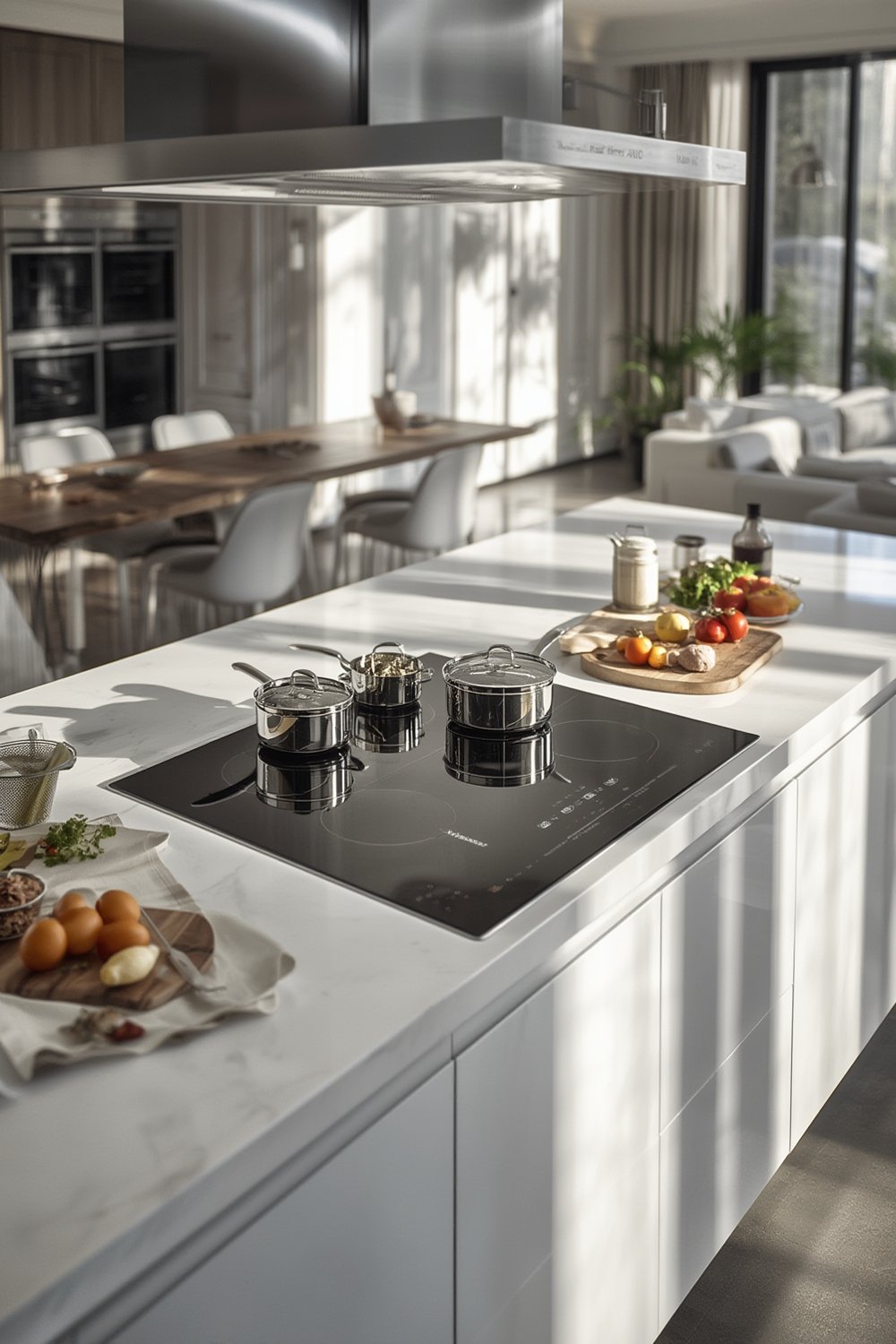
Where other smart ranges (Samsung, GE, LG) focus on device-specific guided cooking or in-oven cameras, Hisense leans into ConnectLife integration and a broader AI narrative that covers TVs and other appliances. However, buyers should note that as of early 2025, there are significant research gaps: no public, detailed model specifications, very limited hands-on reviews, and a lack of third-party benchmarking for its supposed AI cooking features. Still, the 2024 market saw Hisense push the hardest on price discounts, helping this range stand out for cost-conscious buyers.
For more about market-wide trends in smart home appliances, see this sector overview on MooMoo News. Additionally, read OpenBrand’s 2024 Year In Review for comparative statistics on range launches and discounting.
Step-by-Step Guide: Getting the Most from Your Hisense AI Induction Range
If you’re ready to use the Hisense AI induction range confidently, follow these practical steps to maximize daily results and avoid the most common snags associated with smart induction appliances:
- Prepare Your Kitchen Network and Space
Ensure your Wi-Fi is reliable and strong near the range’s location—uninterrupted connectivity is critical for updates and for the ConnectLife AI agent to function. Consider using a mesh extender if your kitchen is on the signal fringe. - Create and Link Your ConnectLife Account
Download the ConnectLife app and register. Have passwords and your Hisense appliance’s serial/model number handy. - Pair the Range with ConnectLife
Follow the on-screen instructions or app prompts. Be patient—some users report needing 2-3 setup attempts to get initial pairing to “stick.” - Update Firmware/Oven Software
As soon as the range is linked, check the ConnectLife app and local display for available software updates. Apply them before booking a first cook so you benefit from the latest bug fixes and features. For added protection against service interruptions during firmware updates, consider plugging your smart range into a reliable battery backup/surge protector. - Try Voice and Guided Cooking Features
Test both voice and display-controlled guidance. If regional recipes or localization feel limited, supplement with your own recipes saved in the app. To further boost accuracy during guided cooking, pair the range’s advice with an instant-read digital meat thermometer. - Set Routine Maintenance Alerts
Use the ConnectLife app to set up routine maintenance reminders for cleaning and software checks. - Optimize Energy Use
Explore induction’s precision power settings for fast boiling and gentle simmering (refer to the feature set provided with your model, or adapt from general induction guides if documentation is incomplete).

If you encounter app crashes, connect issues, or smart feature delays, keep in mind this is a common complaint—both with Hisense smart appliances and similar AI-enabled ranges from Samsung, GE, or LG. Frequently rebooting the range and your router resolves short-term glitches; for persistent bugs, document specifics and raise a case with Hisense support (which tends to improve post-patch).
To stretch your dollar even further with other big-ticket home goods and supplies, explore these proven ways to save at Pet Supplies Plus Medina.
Advanced Analysis & Common Pitfalls
It’s smart to go in with eyes open, since “AI” branding in kitchen ranges often means guided recipe programs plus basic logic, rather than true humanlike cooking intuition. Here’s what research shows about real-world issues:
| Issue | Hisense AI Induction Range | Similar Smart/AI Ranges (Samsung, GE, LG) |
|---|---|---|
| Independent Reviews (as of 2025) | None identified; feedback limited to general smart-app concerns | Ample reviews exist for Samsung/GE models; hands-on tests highlight various UX flaws |
| Onboarding & Setup Reliability | Occasional app-pairing failures or instability seen with ConnectLife; requires patience | Also common in competitor models with Wi-Fi, especially during firmware updates |
| AI Guidance | Not deeply benchmarked; advertised as conversational agent but no public demos of advanced features (e.g., visual detection) | Samsung and GE highlight in-oven cameras, some sensor-driven cooking adapts for browning/temp |
| Recipe Localization | Documentation does not confirm extensive recipe library or flexible localization | Recipe coverage wide for major US/EU dishes but regional gaps persist everywhere |
| Robustness to Real-World Cooking Deviations | No evidence the system adapts accurately to major ingredient or technique changes | All AI cooking ranges remain weak at handling user “mistakes”; adaptation is rudimentary |
| Durability & Serviceability | General feedback for Hisense smart products includes concerns over screen/electronics longevity | Similar complaints: display failures, expensive board replacements, technicians unfamiliar with smart modules |
| Privacy Transparency | No public, model-specific privacy whitepaper for cooking agent data | Competitors likewise rarely specify AI/recipe data retention or use for training |
If privacy, cloud reliance, or long-term parts service matter to you, remember: There’s little difference among major brands right now. All smart ranges require account setups, share usage data with platform providers, and depend on software support for AI or guided-cooking features to work reliably. See the details on ConnectLife’s policy gaps in this coverage from Macau Business.
To learn how to avoid overspending on common home care purchases, check out our best ways to save with Pet Supplies Plus.

Conclusion
The Hisense AI induction range brings AI-guided cooking and robust ConnectLife integration down to a lower price tier, but the reality is nuanced. As of early 2025, public documentation leaves a lot of unknowns: exact features, privacy specifics, and true “AI” adaptability. User experience is likely solid for easy, guided recipes, but may not live up to “co-chef” expectations—especially if your needs involve complicated meals or frequent deviations from standard procedures. Most issues seen with the Hisense model are also common to AI induction ranges from Samsung, GE, or LG, making the choice largely a matter of price, ecosystem preference, and warranty comfort.
If you want to explore more smart kitchen buying strategies or save big on other essentials, check out our guide to saving at Pet Supplies Plus Medina. And remember: The Hisense AI induction range is best treated as a promising but evolving appliance—approach its AI agent as a useful helper, not a replacement for kitchen skill. Ready to make the leap? Browse updated listings in your region and insist on a clear trial or return policy before purchase.
FAQ Section
Is the Hisense AI induction range available in North America now?
As of early 2025, public retail listings for the exact Hisense AI induction model with cooking agent are very limited in North America. Monitor major appliance retailers and Hisense’s official pages for updates.
Does the AI cooking agent really replace the need for cooking experience?
No. All current AI-enabled ranges—including Hisense’s—guide you through steps and offer some adjustments for sensors or temperature, but they do not reliably adapt to large deviations or mistakes in ingredient prep.
Is my cooking data shared with third parties?
ConnectLife collects device, app, and usage data. It may be shared within Hisense group companies and their cloud providers, per standard privacy policies, but there’s no model-specific, transparent description of data retention or sharing for the cooking agent.
What if the smart features stop working or the screen fails?
If the screen or smart module malfunctions, the range should operate in manual cooking mode, but repairing AI or display hardware may be expensive and require specialized support. Always check warranty terms and availability of replacement electronics before purchase.
Can you use the range fully without the ConnectLife app?
Basic stove and oven functions will work without the app or smart features, but guided cooking, updates, or voice assistant capabilities depend on ConnectLife connectivity and a registered account.
[…] with full SmartThings integration—see how this compares to alternative smart appliances like the Hisense AI induction range or an AI barista coffee […]