

GE Profile smart fridge barcode scanner is transforming how you keep track of groceries, automating shopping lists and offering a kitchen assistant that can save time and reduce food waste.
Key Takeaways
- The GE Profile smart fridge barcode scanner launches April 2026, enabling precise grocery tracking that’s more accurate than visual AI systems.
- Its Scan-to-List database supports over four million items, integrates with Instacart, and can add groceries via barcode, voice, or manual entry.
- User privacy is built-in with physical camera shutters and app-based controls, and no advertising clutter appears on the large fridge touchscreen.
- Core Concept: What Does the GE Profile Smart Fridge Barcode Scanner Actually Do?
- Step-by-Step Guide: How to Use the Barcode Scanner and Scan-to-List Features
- Advanced Analysis & Common Pitfalls
- Conclusion
- Frequently Asked Questions
Core Concept: What Does the GE Profile Smart Fridge Barcode Scanner Actually Do?
The GE Profile smart fridge barcode scanner is built into GE’s newest 27.9 cubic foot 4-Door French-Door Smart Refrigerator, available April 2026. This feature, called “Scan-to-List,” lets you scan grocery barcodes—especially when you run out of a product—to instantly add exact items (with brand, flavor, and size) to a digital grocery list within the SmartHQ app.
Unlike competitor smart fridges (such as Samsung or LG), which primarily use visual AI to recognize products (and often struggle with accuracy), GE’s model leverages a vast proprietary database of four million barcoded products. This covers national brands, generics, and more, allowing highly accurate, “what’s missing” lists. Even if a product lacks a barcode, you can add it by speaking, typing, or using the SmartHQ app—which provides flexibility for fresh produce or homemade items.
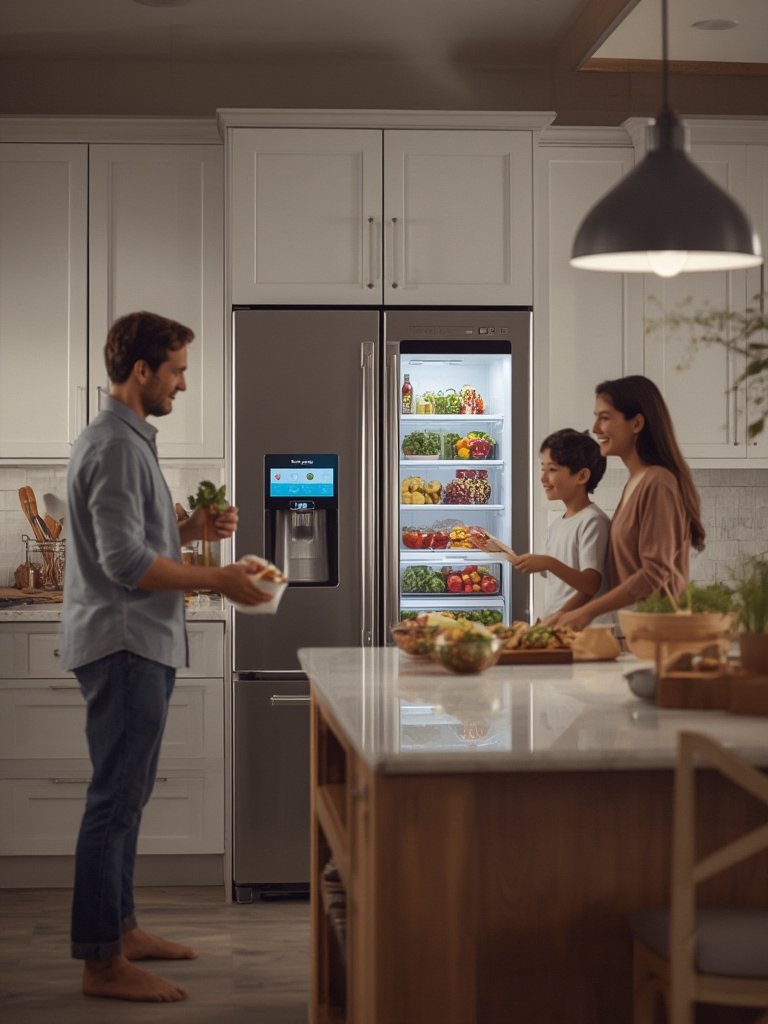
The grocery list syncs directly with Instacart for rapid delivery, and integrates recipe suggestions based on your scanned inventory. The kitchen assistant helps with meal planning by displaying meal ideas right on the fridge’s built-in 8-inch touchscreen tablet. It’s a practical approach that focuses on saving you time and avoiding manual tracking headaches.

For a closer look at how smart appliances assist in the kitchen, see our guide on the AI Cooking Assistant Induction Range.
Step-by-Step Guide: How to Use the Barcode Scanner and Scan-to-List Features
Ready to put your new GE Profile smart fridge barcode scanner to work? Here’s exactly how to use the built-in barcode scanner and Scan-to-List, from setup to automating your next grocery run.
- Initial Setup:
- Connect your fridge to Wi-Fi using the on-screen prompts.
- Install the SmartHQ app on your phone and pair it with the fridge via QR code or setup instructions.
- Set up user profiles if desired and allow app notifications (for status and shopping list alerts).
- Scan Grocery Barcodes:
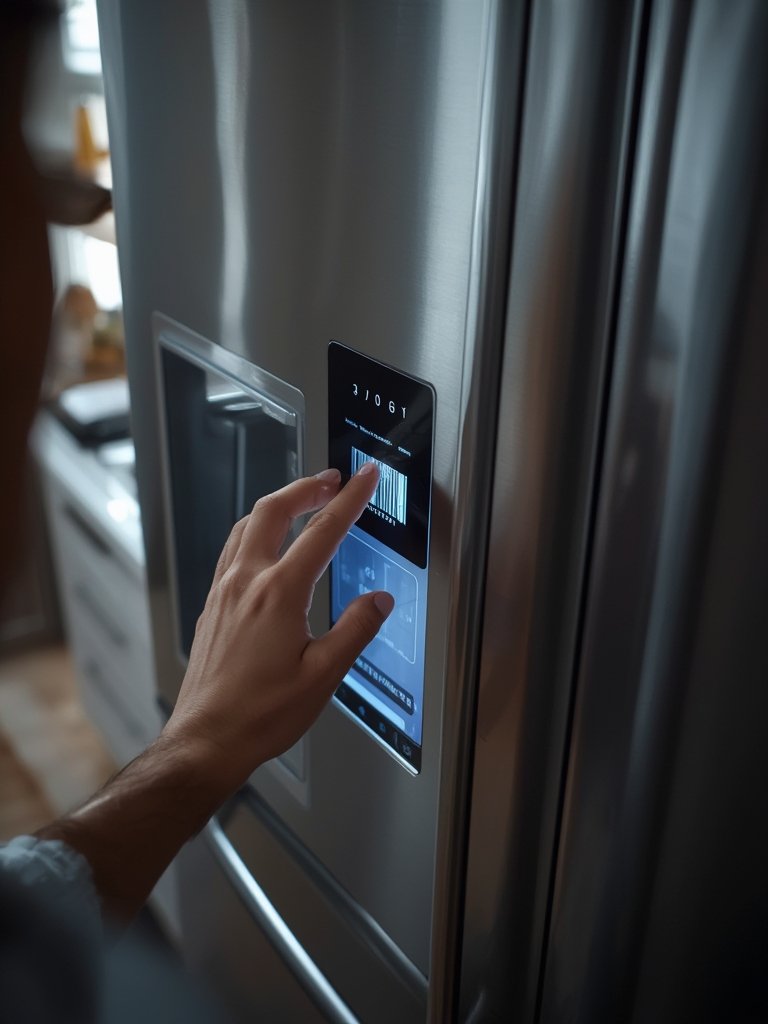
- Whenever you’re out of a product, hold it to the built-in barcode scanner on the fridge door.
- After a successful scan, you’ll see the exact product—including brand, size, and flavor—added to your SmartHQ list. The fridge recognizes over four million unique SKUs using proprietary GE data.
- If you finish groceries in batches (e.g., several snacks at once), scan items back-to-back; the app updates your list in real-time.
- Add Items Manually:
- If items don’t have a barcode (like fruit or homemade soup), add them by voice (“Hey, HQ, add bananas”), by typing in the fridge touchscreen, or in your SmartHQ app.
- For more control, you can organize your grocery list into categories—useful for larger households.
- Sync and Order:
- Your shared grocery list appears on both the fridge screen and inside the SmartHQ app.
- When ready, tap “Send to Instacart” from the app—your list is exported directly for 30-minute delivery in eligible areas.
- The grocery list is fully shareable so other household members can add or remove items from their devices.
- Leverage Recipe & Planning Features:
- Browse recipe suggestions from Taste of Home based on your current inventory.
- Use meal-planning tools on the touchscreen or SmartHQ app to prepare smarter weekly menus.
For more time-saving appliance strategies, read our tips on smart kitchen induction ranges.
Advanced Analysis & Common Pitfalls
Although the GE Profile smart fridge barcode scanner promises automation and precision, no product is perfect. Here’s what potential owners should realistically expect—where it shines, and where you might hit a snag.
Common Pitfalls and Real-World Limitations
- Unscannable Items: Not everything in your kitchen has a barcode. Fresh produce, leftovers, and local goods will still require manual or voice entry.
- Database Coverage Gaps: GE claims four million products, but the database may miss niche or new regional products until updated. Some users may find occasional misrecognition or “unknown product” prompts.
- Setup Hiccups: While reviews report seamless onboarding, complex Wi-Fi setups, changes in mobile devices, or privacy settings may occasionally stall a smooth start.
- Limited Smart Home Integration: Beyond SmartHQ and Instacart, no official support for Alexa, Google Assistant, or other home hubs is listed. Connectivity to non-GE apps is not available (yet).
- No Voice Assistant Feedback: The fridge accepts voice commands (“Hey HQ”) but replies with on-screen text, not spoken responses. If you rely on spoken feedback for accessibility, this is a limitation.
- Pricing Barriers: The MSRP of $4,899 (for both standard and counter depth) means this is a premium product, making it less accessible to some families. There are no cheaper barcode-equipped alternatives from Samsung or LG: they use visual AI, not barcodes. [Source]
Barcode vs. Visual AI: Competitor Comparison Table
| Feature | GE Profile Scan-to-List | Samsung Family Hub / LG Smart Fridges |
|---|---|---|
| Barcode Scanner | Yes (4M+ product database) | No (uses cameras and AI for inventory recognition) |
| Inventory Tracking Scope | Brand, flavor, and size precision, “finished” items scanning | Limited to visually recognizable items (thousands), more prone to errors |
| Non-barcode Item Support | Manual or voice entry | Manual entry, sometimes lacks voice integration |
| Delivery Integration | Direct Instacart sync (30-min delivery) | Varies, some offer indirect shopping list export |
| User Privacy & Ads | Physical camera shutter, no ads (sponsored recipes only) | May display promotional content |
| MSRP | $4,899 | Varies ($2,799–$4,599), but no barcode scanner |
Missing Features in Competitor Coverage
- Barcode-driven “what’s missing” lists: Other brands track what’s inside, but can’t reliably log items as you run out. GE’s model shines for list accuracy if you adopt this habit.
- Scale of the product database: Coverage often underreports the 4M+ item database—a big step up from AI-guessing visual systems.
- Easy Instacart sync: Many competitor reviews overlook how useful 30-minute Instacart delivery is for busy households.
If you’d like more advanced kitchen insights, don’t miss our guide to AI-powered induction ranges.
For original research, see Global Smart Refrigerator Market Analysis and pre-launch reviews on Reviewed.com. For specs, check the official GE press release.
Conclusion
The GE Profile smart fridge barcode scanner introduces truly practical automation to grocery tracking, distinctly improving on visual-only approaches. While it does have some unpolished edges—mainly in non-barcode item handling and limited smart home integration—the system’s massive product recognition, Instacart delivery, and privacy safeguards offer a compelling premium experience. If you want the most accurate grocery lists and are ready to streamline your kitchen, the GE Profile smart fridge barcode scanner is worth considering.
Ready to upgrade your kitchen for effortless grocery planning? Learn more from official sources or explore more appliance tips on our home appliance guides.
Frequently Asked Questions
Does every GE Profile smart fridge have a barcode scanner?
No, only the new 27.9 Cu. Ft. Smart 4-Door French-Door Refrigerator with Kitchen Assistant (launching April 2026) includes the Scan-to-List barcode scanner. Older GE models and most competitors do not offer this feature.
How accurate is the barcode scanner for new or rare products?
The scanner aims to recognize over four million items. If a barcode is not in the database, you can still add the item manually using voice, the touchscreen, or the SmartHQ app.
Can I use Scan-to-List if I shop somewhere Instacart doesn’t serve?
Absolutely. The grocery list is fully accessible in the SmartHQ app, even if delivery is unavailable. You can still use it as a shareable checklist for in-store shopping or pickup.
Is my data private when using the GE Profile smart fridge barcode scanner?
Yes. No known privacy issues have been reported (as of launch). The fridge includes physical camera shutters, app-based controls, and avoids third-party ads. Grocery data is sync’d only with SmartHQ and Instacart by your choice.
What happens if the scanner can’t read a barcode?
If an item doesn’t scan, simply enter it manually using the fridge touchscreen, the mobile app, or with a voice command like “Hey HQ, add apples.”
—
[…] a practical look at hardware integration, check our detailed review of GE Profile Smart Fridge Barcode Scanner capabilities and how RFID/barcode scanning adds real-world […]
[…] This isn’t the only multi-function microwave available, but at $199 USD and with a 5-year warranty, it’s one of the cheapest with true three-way functionality. If you’re considering the GÅTEBO, also explore connectivity features in other smart appliances like the GE Profile Smart Fridge Barcode Scanner. […]
[…] for kitchen synergy? Smart grocery features like the GE Profile Smart Fridge Barcode Scanner can help automate ingredient tracking, while a smart fridge grocery list app keeps your pantry in […]
[…] more ideas on maximizing your smart kitchen setup, see how the GE Profile smart fridge barcode scanner streamlines your drink ingredients and party shopping […]
[…] range for hands-off recipe prep. For families who want to minimize waste, pairing this with a smart fridge barcode scanner can ensure you always have the right fruit or juice on […]
[…] app integration, link it with your smart kitchen ecosystem (like a smart induction range or smart fridge scanner). This can automate drink suggestions based on your pantry or daily […]
[…] AI cooking assistant induction ranges that guide you step-by-step, to smart fridge barcode scanners that automate grocery lists, the best AI kitchen solutions save time and help minimize […]
[…] advancements—absent from GE smart fridge barcode scanning or competing visual AI systems—enable features […]
[…] And with over one-third of U.S. shoppers buying cabbage each year, it’s clear that both traditional and modern recipes remain popular. See how integrating apps and appliances can make prepping cabbage even easier, especially if you use a smart fridge with grocery management tools. […]
[…] tempering or storage monitoring, check out the AI Cooking Assistant Induction Range or the GE Profile Smart Fridge Barcode Scanner. These can guide you through precise temperatures and keep ingredients perfectly fresh for […]
[…] kitchen tech is adapting to this craze. Smart fridges with barcode scanning, such as the GE Profile Smart Fridge Barcode Scanner, now make it easier to track bottles and condiments like hot […]
[…] even desserts. As more households adopt smart kitchens and inventory-tracking appliances like the GE Profile Smart Fridge Barcode Scanner, trying the latest food trends (like pickle ranch sauce or air-fried dill chips) becomes as easy as […]
[…] of the AI Cooking Assistant Induction Range for advanced smart cooking insights, or see how a GE Profile Smart Fridge Barcode Scanner makes condiment tracking […]
[…] prep with technology: If you have a smart fridge, inventory tracking makes batch cooking easier by letting you know when you need to replenish your […]
[…] customize sweetness, or switch to keto-friendly protein powders. To manage ingredients, see how smart fridges with barcode scanners simplify shopping and tracking for home […]
[…] optimal prep—and to reduce food waste—some home cooks are using smart kitchen tech like GE Profile smart fridge barcode scanning to keep carrots and other veggies fresh on […]
[…] And as kitchens get smarter—with devices like AI cooking assistant induction ranges and barcode-scanning smart fridges—people expect more convenience and better performance from even their ice […]
[…] tech-savvy cooks interested in advanced kitchen monitoring, check out the GE Profile Smart Fridge Barcode Scanner article to make inventory tracking and storage safer for your pans and […]
[…] Integrate with smart kitchen appliances such as AI cooking assistant induction ranges or barcode scanning smart fridges to bridge the gap between ordering and meal prep. Some even integrate with Instacart and similar […]